Outline IconsGenerate a matching set with AI
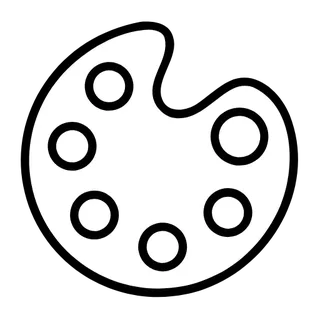
Outline icons describe objects by their contour: closed shapes, uniform borders, and empty interiors. Compared to freer line icons, outline icons feel slightly more solid and object-like, because each glyph reads as a bounded silhouette rather than a gesture.
When to use outline icons
Reach for outline icons when you want a neutral, professional look that stays out of the way — marketing sites, B2B products, and feature grids all benefit. They also make an excellent inactive state in tab bars, paired with a filled version of the same glyph for the active state. Generating both variants from the same prompt keeps the silhouettes aligned.
Best for
- Feature grids on landing pages
- B2B and enterprise UI
- Tab bar inactive states
- Print and presentation graphics
- Icon fonts and design systems
Example prompts
Paste one of these into the generator, or describe your own theme — every icon in the batch comes out in the same outline style.
Frequently asked questions
What is the difference between outline icons and line icons?+
The terms overlap, but outline icons emphasize closed contours around whole objects, while line icons allow open strokes and floating details. Outline sets tend to look more uniform and geometric; line sets can feel lighter and more hand-crafted.
Can I generate matching filled versions of my outline icons?+
Yes. Generate your outline set, then run the same item list with the Filled style — or open a project and use style-matched expansion. Because both runs share the prompt and reference, the silhouettes stay compatible for active/inactive state pairs.
Related styles

Popular uses for outline icons
Guides with specs, workflow tips, and prompts for the jobs this style handles best.
Keep reading
Make your outline icon set
Describe a theme, pick the Outline preset, and get a consistent set of up to 50 icons — exported as clean, editable SVG. Free to start, no credit card required.
Start generating — it's free