3D IconsGenerate a matching set with AI
3D icons are fully rendered with soft studio lighting, smooth plastic-ceramic materials, and gentle depth of field — the rounded, friendly 3D look that took over fintech and productivity marketing. Each icon looks like a small object you could pick up.
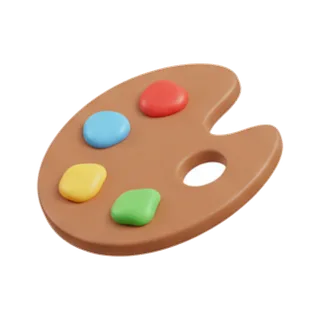
When to use 3d render icons
Rendered 3D icons are hero assets: app store screenshots, landing page features, empty states, and social cards where one icon fills real estate that flat styles cannot. Consistency normally requires a 3D artist keeping camera, lighting, and materials identical across renders — batch generation gives you that uniformity without the pipeline. Use them large; their softness blurs below about 48px.
Best for
- Landing page hero sections
- App store screenshots
- Empty states and success screens
- Social and OG cards
- Push notification art
Example prompts
Paste one of these into the generator, or describe your own theme — every icon in the batch comes out in the same 3d render style.
Frequently asked questions
What file format do 3D icons export as?+
High-resolution PNG with transparency, up to 4K per icon. Rendered lighting and soft shadows are raster phenomena — a true SVG would lose the depth that makes the style work. For vector needs, pair with a flat or isometric companion set.
How do I keep 3D icons consistent across a set?+
The tell-tale of an inconsistent 3D set is drifting camera angle and light direction. Generating the batch from one prompt keeps perspective, materials, and lighting locked, and style-matched expansion preserves them when you add icons later.
Related styles

Keep reading
Make your 3d render icon set
Describe a theme, pick the 3D Render preset, and get a consistent set of up to 50 icons — exported as high-resolution PNG up to 4K. Free to start, no credit card required.
Start generating — it's free