Soft 3D IconsGenerate a matching set with AI
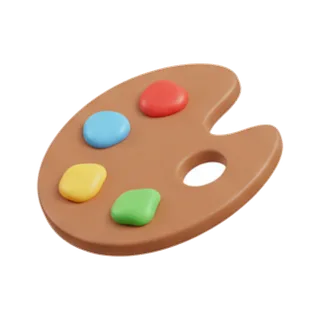
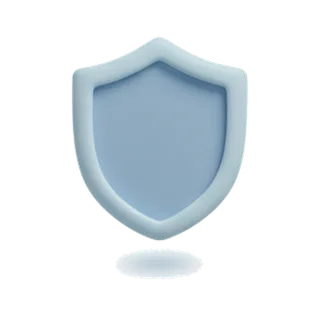
Soft 3D icons are rendered with the studio lights diffused all the way down: matte materials, pastel tones, shadows that suggest rather than declare, and forms rounded just short of clay. It is 3D that whispers — depth without drama.

When to use soft 3d icons
Soft 3D fills the space between flat design and glossy renders: enough dimension to feel modern and tactile, subtle enough to sit inside a working interface without stealing focus. That balance made it the default for SaaS onboarding, fintech empty states, and productivity marketing. Compared to Claymorphism it is less puffy and toy-like; compared to full 3D Render it trades spectacle for calm.
Best for
- SaaS onboarding and empty states
- Fintech product marketing
- Productivity tools
- Feature grids needing subtle depth
- App store screenshots
Example prompts
Paste one of these into the generator, or describe your own theme — every icon in the batch comes out in the same soft 3d style.
Frequently asked questions
Soft 3D, claymorphism, or 3D render — how do I choose?+
Claymorphism is the playful extreme: puffy, toy-like, kid-friendly. 3D Render is the polished extreme: glossy materials and dramatic lighting for hero moments. Soft 3D holds the professional middle — dimensional but calm, which suits products used daily for work.
What backgrounds suit soft 3D icons?+
Soft neutrals and light pastels that continue the icons' own tonal world. Pure white works but slightly flattens the effect; a warm off-white or pale tint lets the diffused shadows register. The PNGs export with transparency, so testing surfaces takes seconds.
Related styles


Popular uses for soft 3d icons
Guides with specs, workflow tips, and prompts for the jobs this style handles best.
Keep reading
Make your soft 3d icon set
Describe a theme, pick the Soft 3D preset, and get a consistent set of up to 50 icons — exported as high-resolution PNG up to 4K. Free to start, no credit card required.
Start generating — it's free